POS Software for Nigerian Retail Businesses
Keep the queue moving, keep cashiers accountable and keep every sale connected to stock, customers and business reports—even when connectivity is unreliable.
- Offline-first selling
- Till sessions and receipts
- Returns and part-payments
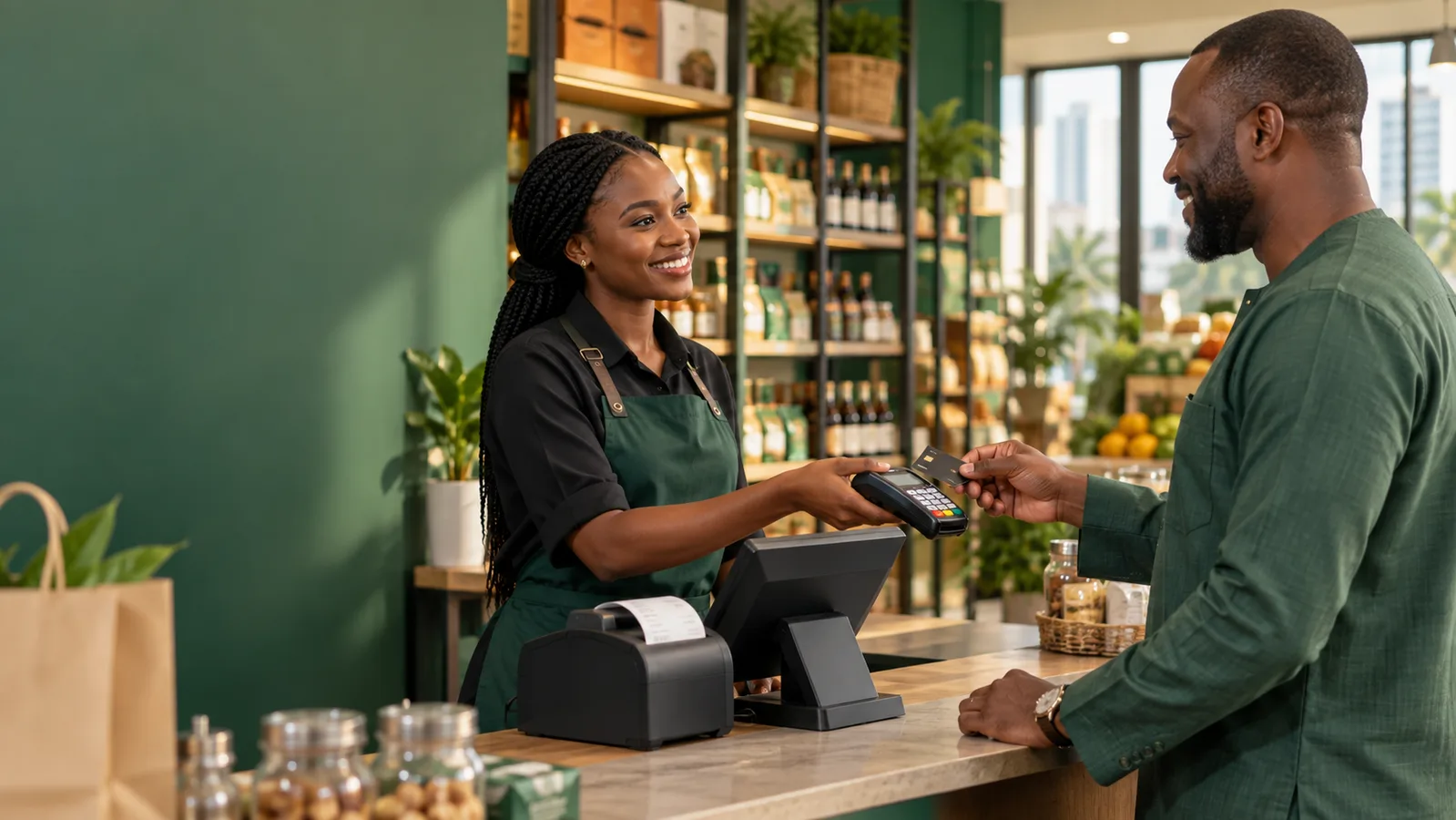
A POS should do more than print a receipt
At a busy counter, every extra tap matters. Cashiers need to find the right product, confirm quantities, accept the customer’s payment method and finish the sale without turning a short queue into a long one. When the network drops, the business should not have to choose between stopping sales and recording them later from memory.
The owner’s questions begin after checkout. How much cash should be in this till? Which cashier processed a return? Did a card payment cover the whole order? Why is the shelf balance different? A stand-alone billing app may answer what was sold while leaving inventory, customer balances and accounting disconnected.
Controls also need to fit real operations. Staff should have appropriate permissions, till sessions need clear opening and closing figures, and exceptions such as refunds, returns or credit sales should leave a trail. Speed without accountability creates a different kind of cost.
Sell quickly at the counter and keep the transaction useful
Storeboot POS gives cashiers a focused selling flow and gives management the connected record behind it. Products, variants, prices and stock come from the shared catalogue. A completed sale can update inventory, payments remain attached to the order, and receipts give the customer a clear record.
Offline-first support helps the till keep working through unstable connectivity and sync safely when access returns. Till sessions make each cashier’s shift easier to reconcile, while roles and permissions reduce unnecessary access to sensitive business actions.
Because Storeboot is more than a checkout screen, you can follow the same transaction into returns, customer history, branch performance, expenses and financial reporting. That reduces repeated data entry and gives an owner one operating picture.
Today at the till
₦742,300
126 completed sales
Average basket
₦5,891
↑ Updated live
Sales
View current activity
Stock
View current activity
Customers
View current activity
Illustrative Storeboot product view. Available information depends on your plan, modules and business setup.
The features behind a more controlled operation
Each feature is useful alone. The bigger advantage comes when the same sale, item, location, customer and payment keep their context across the platform.
Fast product selection
Search a shared product catalogue, select the correct variant and build the basket with fewer distractions. Clear prices and totals help the cashier confirm the order.
Flexible payments
Record cash and supported non-cash payment methods, handle part-payments and retain the payment history against the sale for easier reconciliation.
Offline-first workflow
Continue essential checkout work when the connection is unreliable, then sync with the cloud when connectivity returns instead of rebuilding a day of sales.
Till and cashier control
Open and close till sessions, associate activity with staff and use permissions to decide who can perform sensitive actions.
Returns, refunds and credit
Process after-sale situations through recorded workflows so stock, customer balances and financial entries can follow the business event.
Branch-wide reporting
Review sales and performance by branch or across the business. The same platform also tracks inventory, expenses, purchasing and customer history.
From setup to useful daily records
Good software does not repair a process by magic. It gives the team a clear sequence, fewer places to record the same event, and better evidence for the next decision.
-
1
Prepare the till
Assign staff access, select the branch, open a till session and confirm the opening position before trading starts.
-
2
Build the basket
Find products, choose variants and quantities, attach a known customer when useful, and confirm the total.
-
3
Take payment
Record the payment method or part-payments, complete the sale and print or send the receipt.
-
4
Close with evidence
Reconcile the till session and review exceptions, returns and branch performance from the recorded transaction trail.
What this looks like in a real business
Storeboot is configurable because two businesses in the same industry may sell, fulfil and account differently. These examples show common patterns—not rigid templates.
Neighbourhood supermarket
Move quickly through repeat purchases, keep cashier shifts separate and connect each completed basket to the stock leaving the shelves.
Fashion boutique
Sell the correct size and colour variant, add a returning customer and manage a later exchange or return with an order record.
Electronics retailer
Maintain accurate item identity and prices, record split payment where needed, and let managers review sales without waiting for an end-of-week spreadsheet.
Start free. Upgrade when operations demand more.
Basic is built for getting online and organised. Enterprise adds the branch, till, people, procurement and finance controls required by more complex teams.
Basic
For WhatsApp, Instagram & TikTok sellers, pre-order and dropshipping businesses.
Free forever
Start for free- Free online store
- Free subdomain
- Unlimited products
- Unlimited services
- Unlimited orders
- AI-powered & managed
- Storeboot Payments
- Customers & invoicing
- Staff accounts
- Inventory management
Enterprise
For in-house stores that need branches, POS and full back office.
₦5,000 /month
Start free trial- Everything in Basic, plus:
- Unlimited branches
- POS / daily till support
- Expense management
- HR & payroll support
- Roles & permissions
- Offline POS / app sync
- Supplier management
- Payables & receivables
- Procurement & finance
Yearly Enterprise billing is listed at ₦4,000 per month. Prices shown are in Nigerian Naira and may change; taxes, payment processing and any third-party services are separate where applicable.
Storeboot versus a disconnected setup
A calculator and receipt book are quick until the owner needs a trustworthy report. A bank terminal confirms a payment but does not manage the sale around it. Storeboot POS combines the checkout flow with inventory and back-office records, so one transaction can answer both the cashier’s immediate need and management’s later questions.
Questions business owners ask before switching
Need an answer specific to your process? Tell us how your team works and we will help you map it honestly.
Ask a questionCan Storeboot POS work without internet?+
Yes. The till is designed with offline-first support so selling can continue during connectivity problems and data can sync when the connection returns.
Does it work for multiple branches?+
Yes. Enterprise includes unlimited branches, branch-aware inventory, staff controls and consolidated reporting.
Can I manage cashier shifts?+
Yes. Till sessions provide a structured opening and closing workflow and keep activity associated with the relevant cashier context.
Can the POS handle returns and refunds?+
Yes. Storeboot includes recorded sales-return and refund workflows so after-sale activity is not hidden in manual notes.
Does a POS sale update inventory?+
Stock-tracked products can create inventory movements as sales complete, keeping the sales and stock records connected.
How much does Storeboot POS cost?+
POS, branches, offline app sync and the wider back office are included in Enterprise, listed at ₦5,000 monthly or ₦4,000 per month on yearly billing. Confirm current billing terms during signup.
Put sales, stock and the rest of the operation in one place.
Create your Storeboot account without a card. Start with the workflow that matters most, bring the team in, and add more control as the business grows.